A website should do something useful
A website should not just look good. A good website should also do something useful.
For creators, small businesses, affiliate marketers, and digital builders, one of the most useful things a website can do is capture interested visitors and turn them into long-term audience members.
That is where automation becomes powerful. Instead of manually checking form submissions, copying emails, sending welcome messages, and tracking follow-ups, you can build a simple workflow that does the work for you.
At HL Tech Insight, this kind of workflow fits the bigger mission: build with AI, teach with content, recommend with integrity, and grow through digital systems.
In this guide, you will learn how a practical signup automation works using a website email form, Make.com webhook, Google Sheets, a welcome email, follow-up emails, and status tracking.
Why website signup automation matters
Most visitors do not buy, subscribe, or contact you the first time they land on your website.
They may like your content. They may trust your message. They may be interested in your tools. But if there is no way to stay connected, they leave — and the relationship ends there.
An email signup form gives visitors a simple next step:
“Join the list and keep learning.”
Automation makes that process reliable. A good signup automation can capture the subscriber’s email, save the lead into a spreadsheet or CRM, send a welcome email, deliver follow-up education, track the source, and guide the subscriber toward helpful resources.
The simple workflow
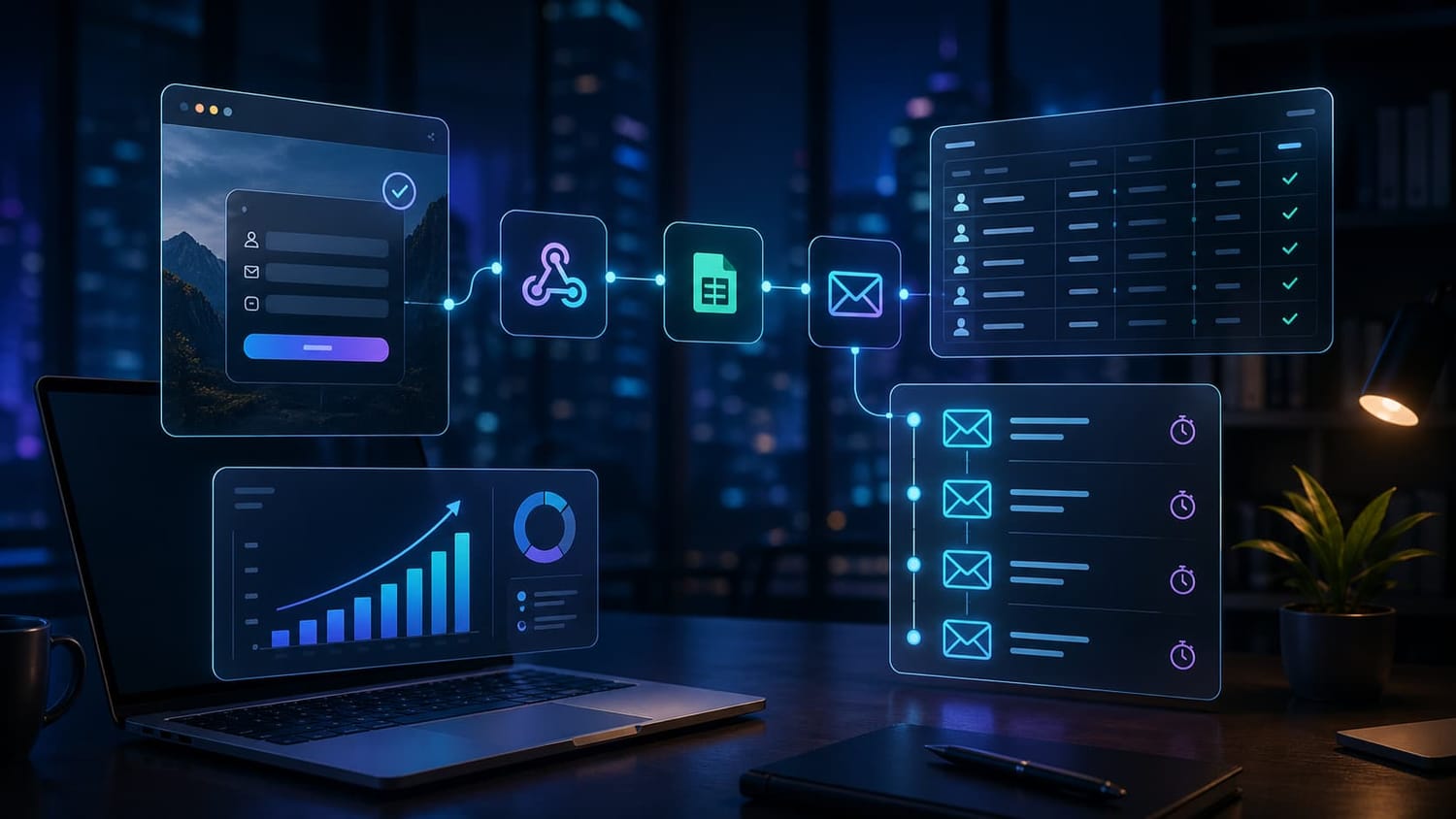
Here is the basic automation flow:
Website signup form
→ Make.com webhook
→ Google Sheets lead record
→ Email 1 welcome message
→ Email 2 educational follow-up
→ Email 3 recommended tools pathway
→ Status updated in Google Sheets
Each part has a clear purpose. The website form captures the email. Make.com receives the data. Google Sheets stores the subscriber. The email sequence builds trust. The status column shows where each subscriber is in the journey.
Step 1: Create the website signup form
The first step is placing an email form on your website. A basic form should collect:
- Email address
- Source page
- Visitor interest
- Page URL
- Submission timestamp
This helps you understand where people came from and what they were interested in. Someone joining from your AI Resource Library may be interested in tools, prompts, automation, and AI literacy. Someone joining from a wellness page may be more interested in fitness, habits, or meal planning.
Step 2: Send the form data to Make.com
Make.com acts as the automation bridge. A webhook receives the form submission from your website.
The payload may look like this:
{
  "email": "subscriber@example.com",
  "source": "HL Tech Insight Homepage",
  "interest": "AI, SEO, Automation, Digital Growth",
  "page_url": "https://www.hltechinsight.com/home",
  "submitted_at": "2026-04-27T00:00:00.000Z"
}
This is useful because every signup carries context. You do not just know who joined. You know where they joined, why they may have joined, when they joined, and which page created the conversion.
Step 3: Save the signup in Google Sheets
Google Sheets is a good first-stage lead database because it is simple, visible, and easy to debug.
A starter signup sheet can use these columns:
| Column | Purpose |
|---|---|
| The subscriber’s email address. | |
| Source | The page or form where the subscriber joined. |
| Interest | The topic category connected to the signup. |
| Page URL | The exact page where the signup happened. |
| Submitted At | The original form submission timestamp. |
| Status | The subscriber’s current email sequence stage. |
For stronger timing control, you can also add:
Email 1 Sent At
Email 2 Due At
Email 2 Sent At
Email 3 Due At
Email 3 Sent At
These extra fields help prevent follow-up emails from sending too close together.
Step 4: Send the welcome email
The welcome email creates the first relationship moment. It should thank the subscriber, explain what HL Tech Insight is about, tell them what kind of content to expect, link to your best starting resource, and include a note about checking Spam, Junk, or Promotions if the email does not appear.
For HL Tech Insight, a good first email points readers to: AI Literacy: Build Skills Before AI Masters You.
The purpose of Email 1 is not to sell. The purpose is to build orientation and trust.
Step 5: Add follow-up emails
One email is useful. A short sequence is better.
For HL Tech Insight, a simple 3-email welcome sequence works well:
Email 1: Welcome to HL Tech Insight
Email 2: Learn AI before depending on AI tools
Email 3: Explore Recommended Tools and ecosystem pathways
This sequence works because it follows a trust-first order. It does not jump straight into recommendations. It starts with education, then guides the subscriber into the resource ecosystem, then introduces tools and pathways.
Step 6: Use separate scenarios for production
During testing, you may use short delays. But for production, it is better to use separate scheduled scenarios with due-date filters.
Scenario 1:
New signup → Add row → Send Email 1 → Status: Email 1 Sent

Scenario 2:
Daily search → Find Email 1 Sent → Check Email 2 Due At → Send Email 2 → Status: Email 2 Sent

Scenario 3:
Daily search → Find Email 2 Sent → Check Email 3 Due At → Send Email 3 → Status: Sequence Complete
This is more reliable than keeping one long automation running for days. It also makes the workflow easier to inspect, fix, and improve. Each scenario has one clear job.
Step 7: Track status clearly
Status tracking turns a spreadsheet into a basic operating system.
Without status tracking, you may not know who received the welcome email, who received Email 2, who completed the sequence, which rows failed, or which subscribers need follow-up.
Example:
subscriber@example.com → Email 1 Sent
subscriber2@example.com → Email 2 Sent
subscriber3@example.com → Sequence Complete
Common mistakes to avoid
Mistake 1: No success message
After someone submits a form, show a clear message. Tell them to check their inbox, and if the welcome email is not there, check Spam, Junk, or Promotions and mark it as Not Spam.
Mistake 2: No source tracking
If you do not track source, every subscriber looks the same. That makes future segmentation harder.
Mistake 3: Sending tool recommendations too early
Do not start with affiliate links. Start with education. Trust comes before monetization.
Mistake 4: No status updates
If the sheet always says “New,” you cannot tell what happened. Use meaningful statuses.
Mistake 5: Overcomplicating too early
You do not need a full CRM immediately. Start simple. Then improve.
Best tools for this workflow
A beginner-friendly automation stack can include:
- Website form
- Make.com
- Google Sheets
- Gmail or an email platform
- AI content assistant
- Recommended Tools page
For more tool categories, explore Recommended Tools.
For broader AI education, visit the AI Resource Library.
Why this supports ethical affiliate marketing
A signup automation is not just a technical workflow. It is also part of an ethical affiliate system.
Better pathway:
Teach first → Capture interest → Send helpful education → Recommend tools only when relevant → Disclose affiliate relationships clearly
This is very different from pushing products immediately. At HL Tech Insight, the goal is:
Trust first. Value always. Income responsibly.
Read the affiliate transparency page here: Affiliate Disclosure.
Final thoughts
Automation is not about replacing relationships. It is about supporting them.
A good signup automation helps you respond quickly, stay organized, and guide subscribers through a useful learning pathway. For creators and small businesses, this is one of the simplest ways to turn a website into a working digital system.
Start small:
Form → Webhook → Spreadsheet → Welcome email

Then build from there.
That is how you create a practical audience-growth engine.
Build a Smarter Audience System
Start with AI literacy, connect your signup flow, organize your leads, and use automation to support real relationships — not replace them.
Frequently Asked Questions
What is website signup form automation?
Website signup form automation connects a website form to tools like Make.com, Google Sheets, and email platforms so new subscribers are saved, welcomed, and followed up with automatically.
Why use Make.com for signup automation?
Make.com can receive form data through a webhook, send it to Google Sheets, trigger emails, and update subscriber status without requiring a custom backend.
Can Google Sheets work as a simple CRM?
Yes. Google Sheets can work as a simple first-stage lead tracker when you add columns for email, source, interest, submitted date, status, and follow-up timing.
How many welcome emails should a new subscriber receive?
A simple three-email sequence works well: one welcome email, one educational follow-up, and one resource or recommended tools pathway email.
Should affiliate links be sent immediately after signup?
It is better to educate first, build trust, and only recommend tools when relevant. Affiliate relationships should be clearly disclosed.